Save now. Come back ready.
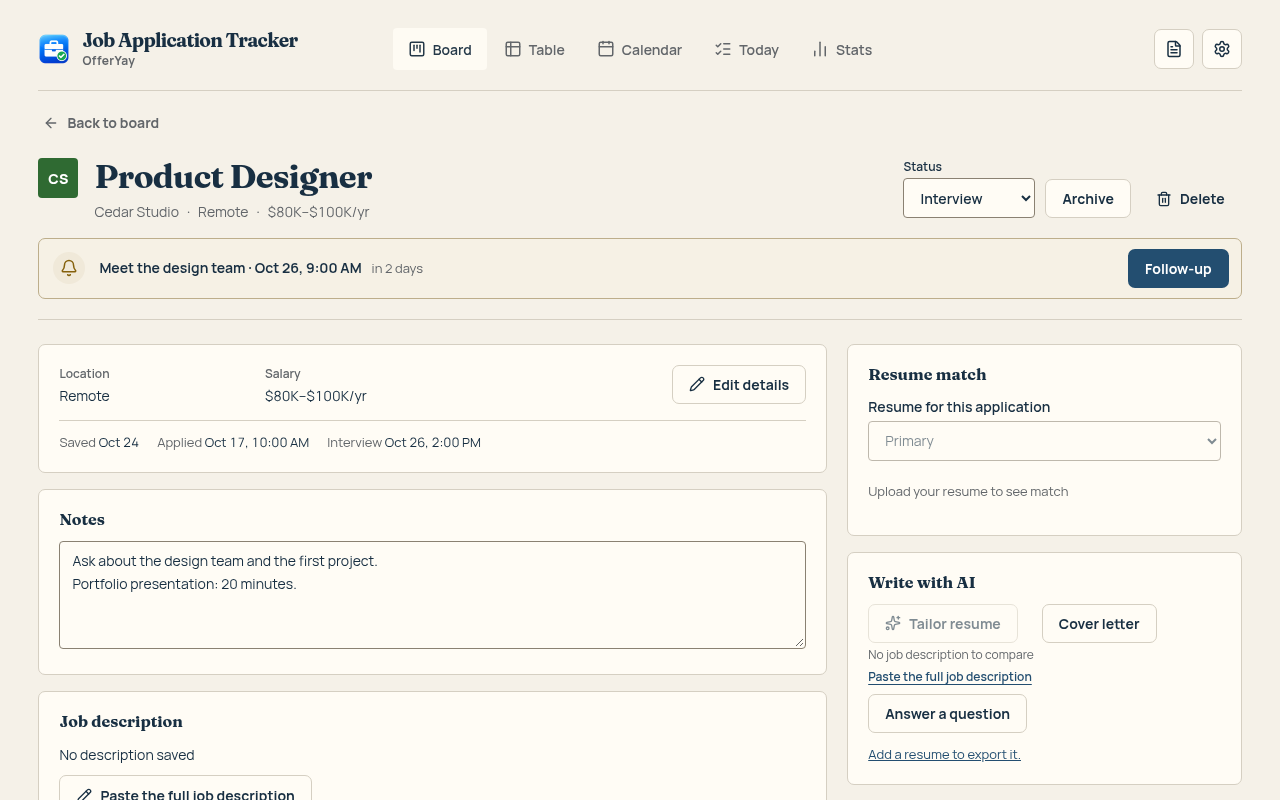
Open a vacancy, click the extension, and save its details. Add your notes so you remember what caught your eye.
 Job Application Tracker - OfferYay
Home / Job application tracker
A Chrome extension that saves a job in one click, keeps every application in order and tailors your resume to each job — without inventing anything.
For Chrome · Start with 25 active applications · No account needed for local use
Open a vacancy, click the extension, and save its details. Add your notes so you remember what caught your eye.
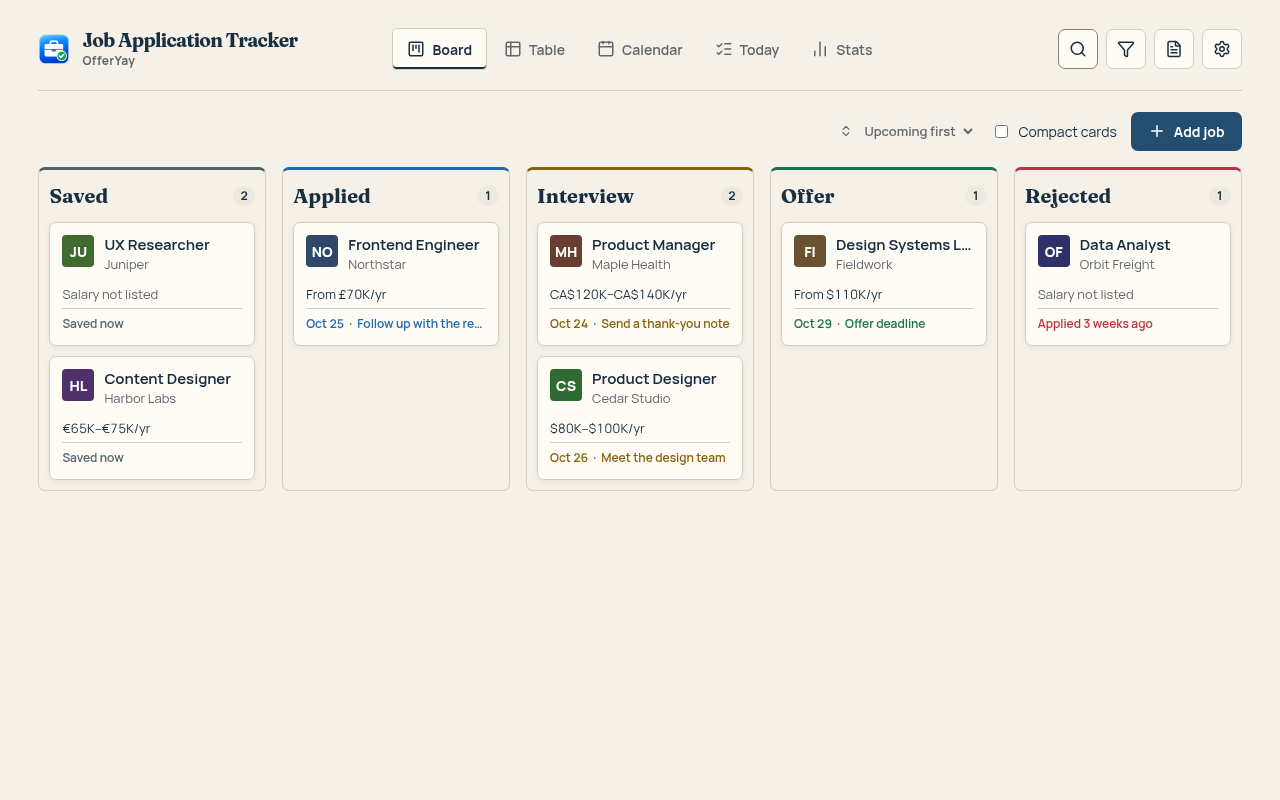
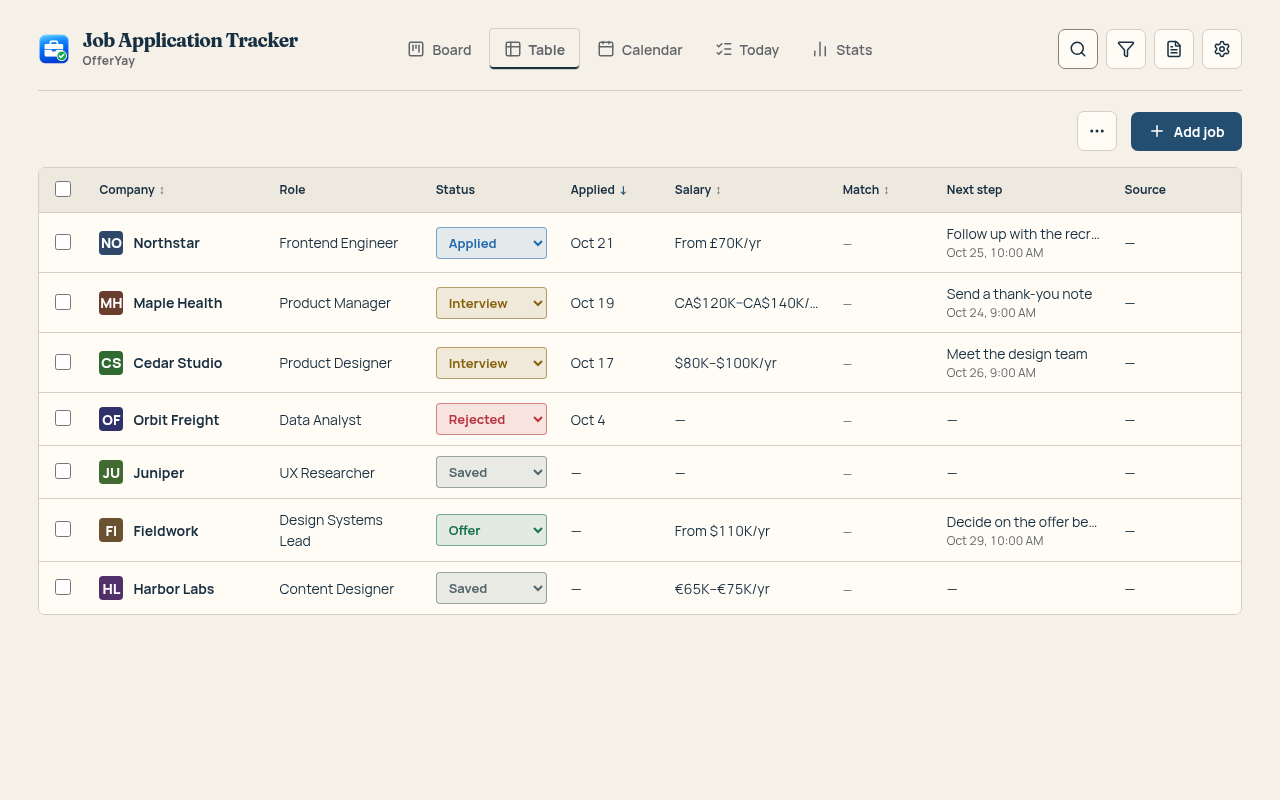
Move cards as things progress. Switch to a table when you want the details side by side, or a calendar to see what is coming.
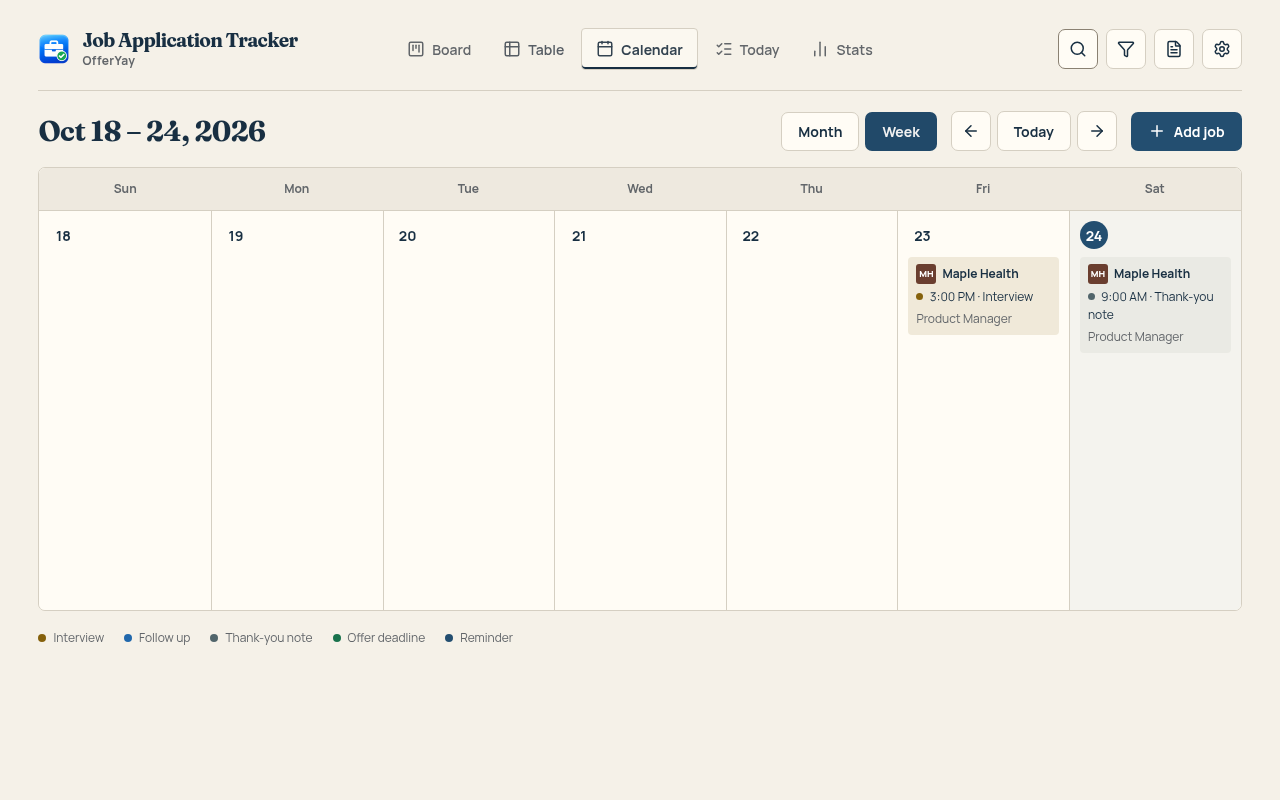
Keep interviews and reminders on your calendar. Today brings the next actions together, so a good opportunity does not get lost in a busy week.
AI rewrites your summary and bullets in the job's language and asks about missing skills instead of making them up. Companies, past job titles and dates stay locked; any new number is marked for you to check.
Example
Led a redesign of onboarding.
Led the onboarding redesign that lifted activation by 18%.
New number — check it's true before you send.
Match 62% 81%
One click per job: reordered skills, rephrased bullets, a summary for the role.
A letter from your real experience, or an answer to “Why us?” in your words.
A short, specific note when a reminder says it's time to write.
Greenhouse, Lever, Workday and more: fields from your resume and saved answers, marked for review. You always press Submit yourself.
50 free AI points to try. The 3-Month Pass includes 1000 AI points.
Your board, notes and saved job details live in your browser. Local tracking works without an account. Export your data to CSV whenever you need it.
Free registration uses your email and a six-digit code. After sign-in, automatic sync uses HTTPS and verified account sessions. Synced content is not end-to-end encrypted and is technically accessible to our server. Read about storage, permissions and analytics.
Pay once when you need more room or AI. Popular trackers charge $29–40 a month.
$0
Local tracking, plus free sync after sign-in.
$9.99 for 3 months
One-time payment, no auto-renewal. Full refund within 14 days.
Buy it inside the extension (Settings → Plan & billing): the pass turns on by itself. On your other devices, sign in with the email you used at checkout.
Get the passNeed more AI? AI points pack — $4.99, one-time: 500 more AI points (not credits or stored value, no cash value, non-transferable). Full pricing details. Checkout is handled by Stripe. Full refund within 14 days of purchase — see Refunds.
Job application tracking means keeping every job you apply to in one place: the company, role, link, status and next step. It shows what to follow up on and where you stand. OfferYay does it on a board right in your browser.
Click Save on a job post and the extension stores the title, company, link and description. Move each card from Saved to Applied, Interview, Offer or Rejected as things change. Reminders and a calendar keep follow-ups and interviews in view.
Save each job the moment you find it, keep one status per application and set a date for the next step. A tracker that saves jobs in one click makes this a habit instead of a chore.
A spreadsheet works, but you copy every detail by hand. The extension fills them in for you and adds a board, reminders and a calendar. Export to CSV opens in Excel or Google Sheets whenever you need it.
No account is needed to track applications locally. Your saved jobs live in this browser. For free automatic sync, sign in or create an account with your email and a six-digit code. No password, recovery key or purchase is needed.
You can still view and edit everything you saved. Archive a card to make room, or get the pass for more active cards. Rejected and archived jobs do not count toward the 25 active limit.
Yes. Export your applications to CSV from Settings. You can import them again, including your notes.
It's built not to. Companies, past job titles, dates and education are locked: a change to them is thrown away. A number that wasn't in your resume is marked “check it's true”, and you accept or reject every suggestion. Your text goes through our server to OpenAI only when you press an AI button; we don't store it.